

You bought tickets on StubHub, the money left your account, and now you are waiting. When will the tickets actually show up? The short answer is that most StubHub tickets arrive by mobile transfer, often within a few hours, but sometimes not until 24 to 48 hours before the event. That wait is usually normal.
StubHub is a resale marketplace, not the venue or the team. You are buying from another fan or a ticket broker, and the seller has to send the tickets to you. StubHub itself does not hold your tickets. So the delivery time depends on three things: the ticket type, the seller, and when the venue releases the tickets for transfer.
Last updated: November 2026
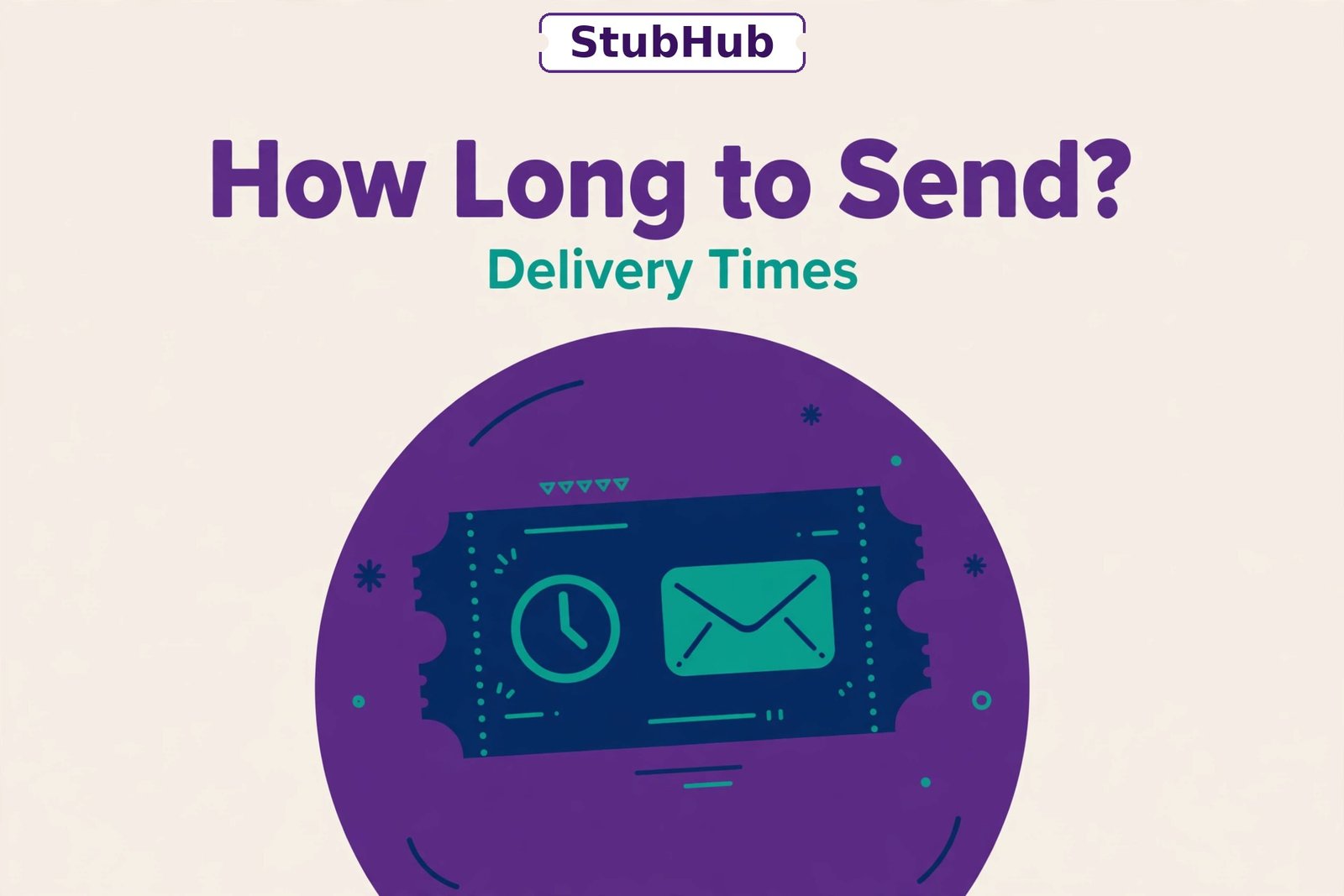
Quick answer: Instant download tickets are ready right after you buy. Mobile transfer tickets usually arrive within a few hours, but for big games and concerts they often arrive only 24 to 48 hours before the event, because the venue does not allow transfers any earlier. Paper tickets take 3 to 10 days by mail. Whatever the type, StubHub guarantees you will get your tickets in time for the event, or you will get comparable replacement tickets or a refund under the FanProtect Guarantee.
How Long Does StubHub Take to Send Tickets?
There is no single delivery time, because StubHub sells several ticket types. Here is what to expect for each one:
| Ticket type | Typical delivery time | How you get them |
|---|---|---|
| Instant download | Right after purchase | Download a PDF or barcode from your StubHub account |
| Mobile transfer | A few hours, or 24 to 48 hours before the event | Accept a transfer in the venue app, such as Ticketmaster, AXS, or SeatGeek |
| Paper tickets | 3 to 10 days | Mailed to your address by the seller |
| Last Minute Services pickup | On the day of the event | Pick up at a StubHub location near the venue |
Mobile transfer is now the most common type by far. Paper tickets are rare today, and most concerts and sports events use mobile tickets only.
Why StubHub Ticket Delivery Times Vary
The most common reason for a wait has nothing to do with StubHub or the seller. Teams, venues, and artists often do not release tickets until shortly before the event. Many NFL teams, for example, block transfers until 24 to 72 hours before kickoff. Big concerts often do the same. Until the venue opens the transfer window, the seller cannot send the tickets, even if they want to.
Your order page shows an expected delivery date. That date already takes this into account. If it says the tickets will arrive on the day of the event, that usually means the venue will release them at the last minute, and the seller will transfer them as soon as the window opens.
Other reasons for a delay include:
- The seller has not transferred yet. Sellers have a deadline, but some wait until the last day.
- The tickets are not in hand yet. Some sellers list tickets before they receive them from the original seller.
- High-demand events. Popular games and concerts are more likely to have transfer limits.
Order Status Meanings and How to Track Your Tickets
You can check the status of your order any time in your StubHub account, on the website or in the app. Go to your orders or tickets page and look for one of these statuses:
| Status | What it means |
|---|---|
| Order Confirmed | Your payment went through and the tickets are reserved for you. The seller has not sent them yet. You will get them by the delivery date shown on your order. |
| Tickets Transferred | The seller sent the tickets. Check your email for a link to accept the transfer in the venue app, and accept it right away. It can take 15 to 30 minutes for the tickets to show up after you accept. |
| In Transit | Paper tickets are on their way by mail. StubHub adds a tracking number so you can follow the package with UPS or FedEx. |
| Delivered | The tickets reached you. For paper tickets, check that the seats match your order and the tickets are not damaged. |
If your event is still a week away and the status says Order Confirmed, that is almost always normal. It does not mean something went wrong.
What to Do if Your StubHub Tickets Have Not Arrived
If the delivery date on your order has passed, or the event is less than 24 hours away and you still have no tickets, take these steps in order:
1. Check your order status and email
Log in to StubHub and check the order page first. Mobile transfer tickets are easy to miss: the transfer email may be in your spam folder, or the tickets may already be waiting in your Ticketmaster or AXS app. Instant download tickets are in your StubHub account as soon as you buy them.
2. Contact StubHub customer service
Tell support your order number, the event, and the section and row. They can see the seller’s side of the order and will open an investigation. Depending on what they find, they may:
- Send replacement tickets by an urgent method
- Buy you comparable tickets at the same value or better
- Refund the full order if no replacement is possible
3. Update your shipping address
If you bought paper tickets and you have travelled, update your shipping address in your account right away, or give support an address where you can receive the tickets, such as your hotel. If the tickets are already in transit, they may not be able to reroute them.
4. Ask about electronic delivery
For some orders, support can switch paper tickets to an instant download. This only works if the seller has electronic tickets available and the order has not shipped yet.
Do not write the event off until you have tried all of these steps. Under the FanProtect Guarantee, StubHub promises valid tickets in time for the event, or your money back.
Seller Deadlines: When Sellers Must Send Your Tickets
StubHub sets firm deadlines for sellers. When a seller lists tickets, they say whether the tickets are in hand already or not yet in hand:
- In Hand: the seller has the tickets and must send them within a few business days of the sale.
- Not Yet In Hand: the seller is still waiting for the tickets from the original source, and the deadline is based on when they expect to receive them.
Either way, the seller must get the tickets to you before the event starts. Sellers only get paid after StubHub confirms you received the tickets without a problem, so late delivery hurts the seller too. It can lower their seller rating and delay their payment.
Last-Minute StubHub Orders
If you buy tickets very close to the event, StubHub handles delivery differently. Mobile transfer is the usual method, and the transfer often happens within a few hours of the purchase. In some cities, StubHub also offers Last Minute Services: you pick up paper tickets at a location near the venue on the day of the event, with instructions sent to you after purchase.
For last-minute orders, check your email and your StubHub app often, and accept any mobile transfer the moment it arrives. Some transfers expire if you leave them unaccepted for too long.
What if Your Plans Change After Buying?
StubHub does not offer refunds just because you cannot attend. But you do have options:
- Resell the tickets on StubHub. There is no fee to list them, and you only pay a fee if they sell. You may not get the full price back, but you can recover part of the cost.
- Transfer them to a friend or family member. Most mobile tickets can be transferred for free to someone else’s account.
- Donate them. Some teams and venues work with charities that accept donated tickets for veterans and young people.
Act early. Tickets sell better the sooner you list them, and transfers take time to set up.
Frequently Asked Questions
Is it normal for StubHub tickets to arrive the day of the event?
Yes. For mobile transfer tickets, arriving 24 to 48 hours before the event, or even on the day itself, is common. Venues often block transfers until the last minute, and your order’s delivery date will reflect that.
How do I accept a mobile transfer from StubHub?
Open the email from StubHub or the venue app and tap the link to accept the transfer. You will need an account with the venue’s ticketing app, such as Ticketmaster or AXS, using the same email address as your StubHub account. Accept it as soon as you get it.
What happens if my StubHub tickets never arrive?
Contact StubHub support. Under the FanProtect Guarantee, they will try to find replacement tickets of the same or better value, and if they cannot, they will refund your order in full.
Can I get my StubHub tickets faster?
Not really. The timing depends on the seller and the venue’s release rules, not on StubHub. Choosing instant download tickets, when they are offered for your event, is the only way to get tickets immediately after purchase.
Does StubHub send tickets by email?
StubHub sends you an email with instructions and a link, but the tickets themselves live in your StubHub account or in the venue’s app. For instant download tickets, you download them from your account. For mobile transfers, you accept them in the venue app.
The Bottom Line
Most StubHub tickets arrive fast: instant downloads in minutes, mobile transfers within a few hours, and paper tickets within a week. But a wait of several days, or even until the day before the event, is normal for popular concerts and sports events, because venues control when tickets can be transferred. Watch the delivery date on your order, accept transfers as soon as they arrive, and contact support if that date passes. With the FanProtect Guarantee behind every order, you will either get into the event or get your money back.